How to self set-up an R&M Profile
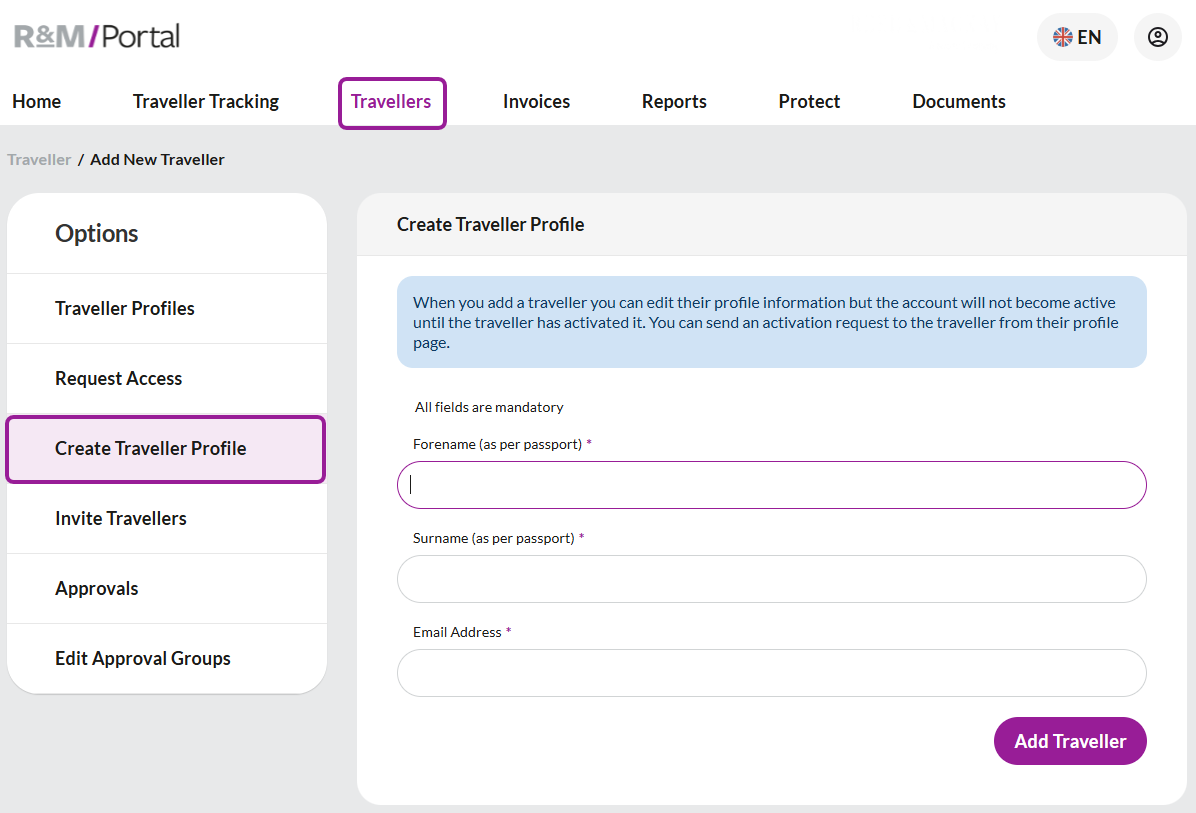
If your company allows new profiles to be created online you can create them by selecting 'Travellers' from the top menu then, 'Create Traveller Profile' on the left side.
The basic profile
You will need to complete the first name, surname, and a corporate email address to begin.
Once complete select 'Add Traveller', this process creates a basic profile for you to enter more information into.
Always check that the name on your profile matches your name that appears in your passport.
If this information is incorrect it will result in your ticket being issued in the incorrect name and could result in expensive changes or being denied travel.
Completing a full profile
Once your basic profile has been created you can start to complete the full profile.
Note: If you have created the profile on someone else’s behalf you also have the permission to complete their profile.
Each profile has 16 categories, they are:
Summary
Addresses
Telephone
Email
Credit cards
Passport
Visas and ESTA
TSA
Driving license
ID cards
Memberships
Travel preferences
Hobbies
References
Access privileges
Substitute approvals
Completing your profile will speed up bookings with your travel team and when you book online.
We recommend you add any travel membership numbers to your profile as this may unlock benefits exclusive to you when booking.
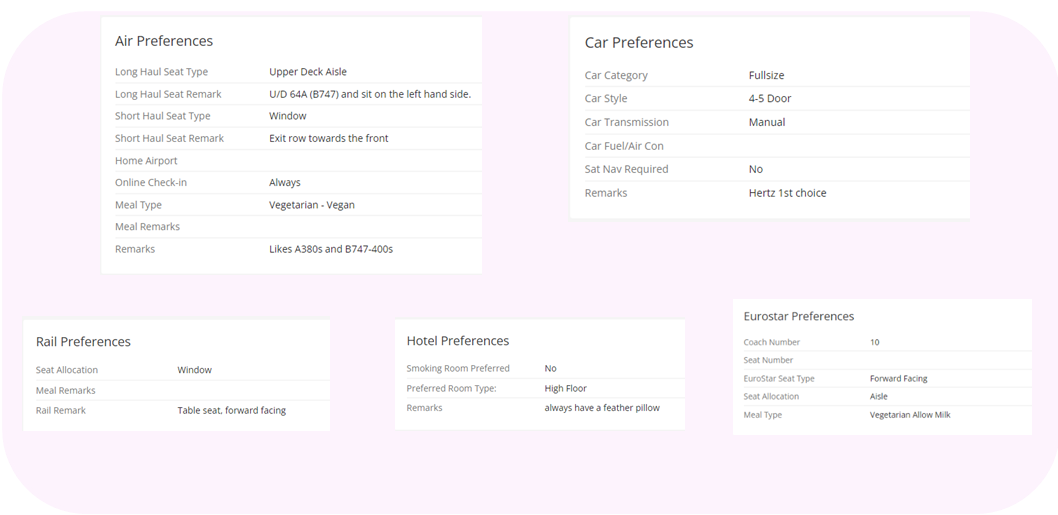
By adding your travel preferences, we can ensure that any recommendations we make are suitable for your travel.