Resetting a password for R&M/Portal
Edited
There are two ways to reset a password for R&M/Portal; on the login page or via the profile page (if you are currently logged in).
Login page
Select the 'Forgotten Password' link on the login page and enter your email address.
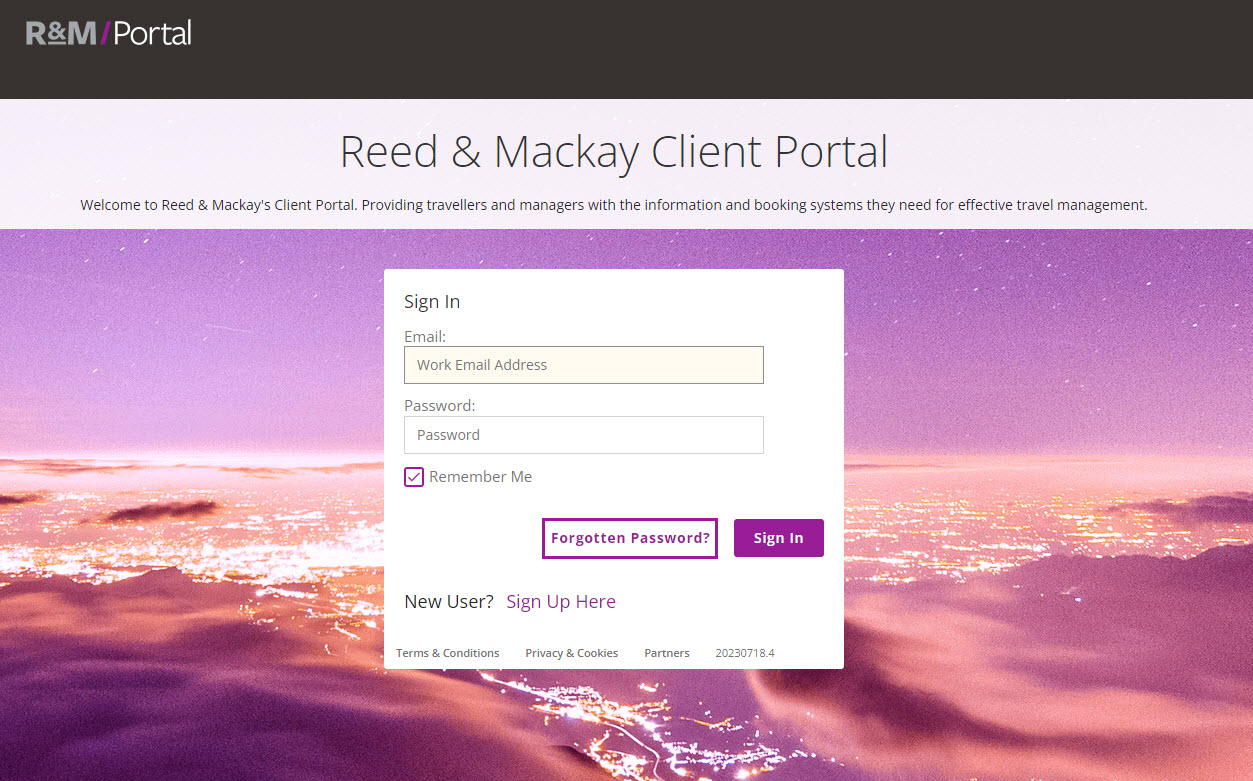
You will receive an email to reset your password.
Profile page
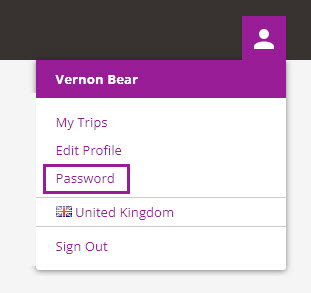
If you need to change your password once you have logged into R&M/Portal select the profile icon on the top right then select 'Password' from the dropdown menu.
In the pop up box enter your existing password then enter and confirm your new password.
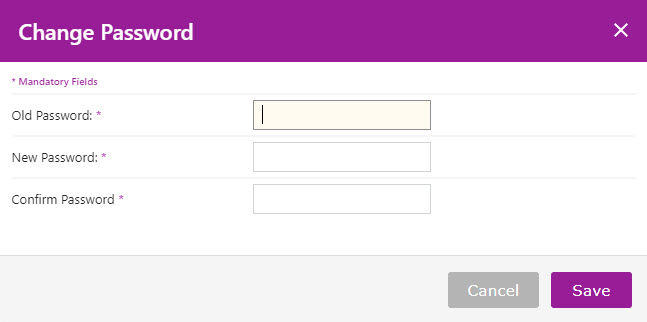
Note: Your password must be a minimum of 8 characters, including 1 upper-case letter, 1 number and 1 special character.
password
login
sign up
sign in